This article is part of Rootstock’s series “Building DeFi on Bitcoin” exploring different solutions and integrations on the Rootstock blockchain that enable scaling Bitcoin, bringing DeFi capabilities to the world’s first blockchain.
Rubic Exchange, the DEX and bridge aggregator, recently announced its integration with Rootstock, bringing the Rootstock ecosystem users with an additional easy way to swap tokens to, from, and on Rootstock with just a few clicks.
In this step-by-step guide, we explore how you can use Rubic to bridge to Rootstock.
How to swap to, from & on Rootstock with Rubic
Step 1. Connect Your Wallet
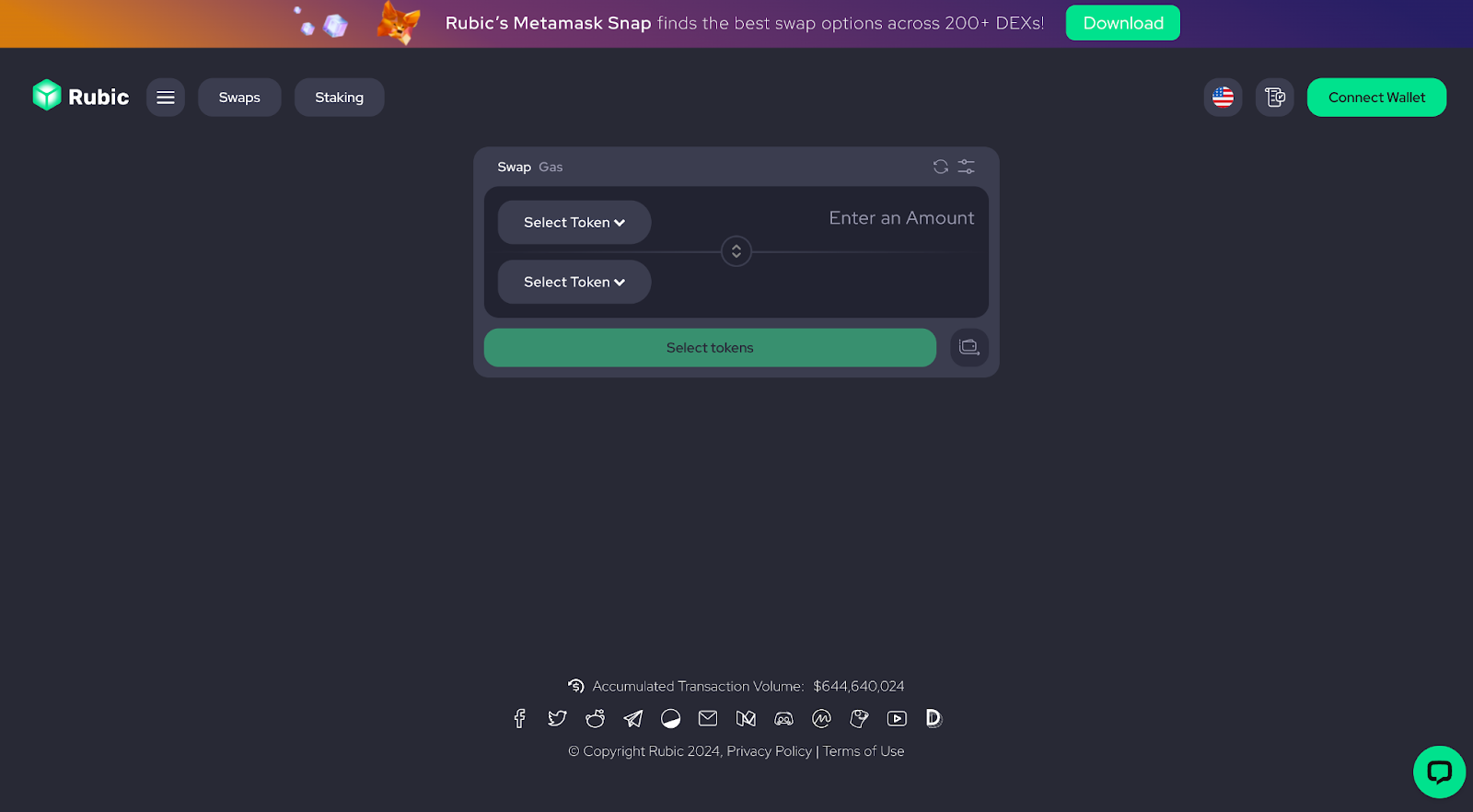
Start by clicking “Connect Wallet” in the top right corner. Choose your preferred wallet and follow the on-screen instructions to establish a secure connection.
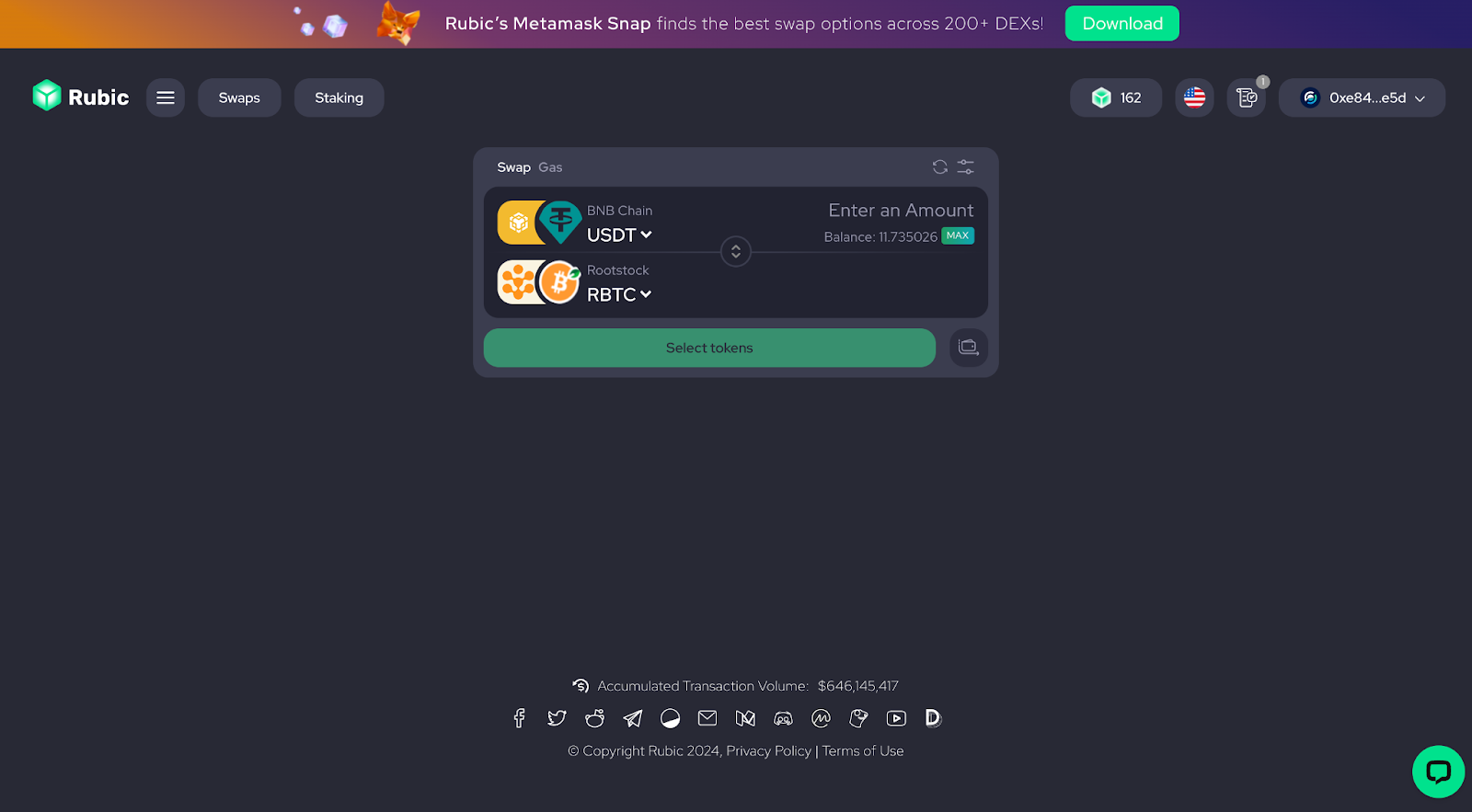
Step 2. Select your swap
- Source Chain: Choose the network where your tokens currently reside.
- Destination Network: Select Rootstock from the available chains list.
- Tokens: Pick the specific tokens you want to swap (both starting and destination).
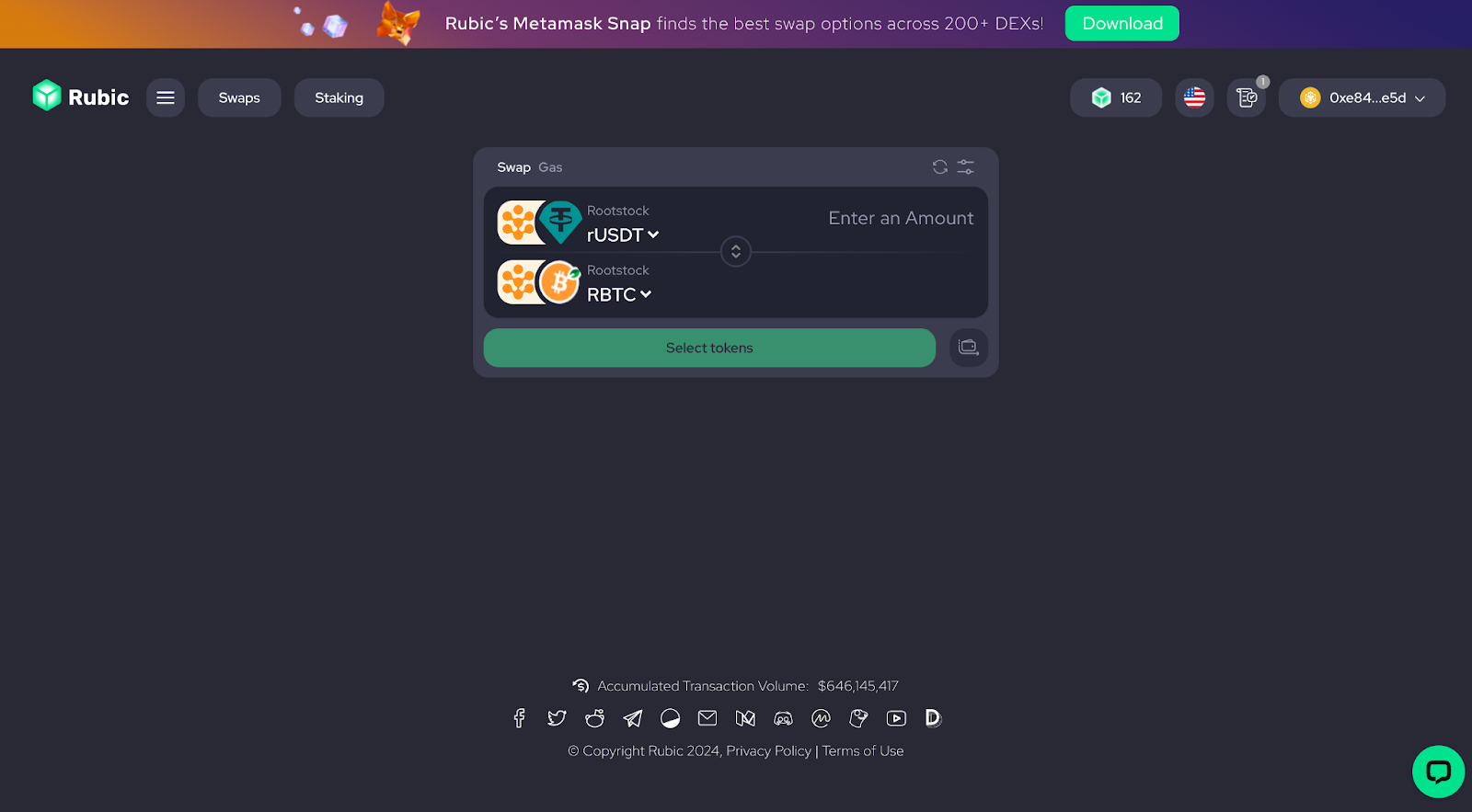
For on-chain swaps select both tokens on the Rootstock Network.
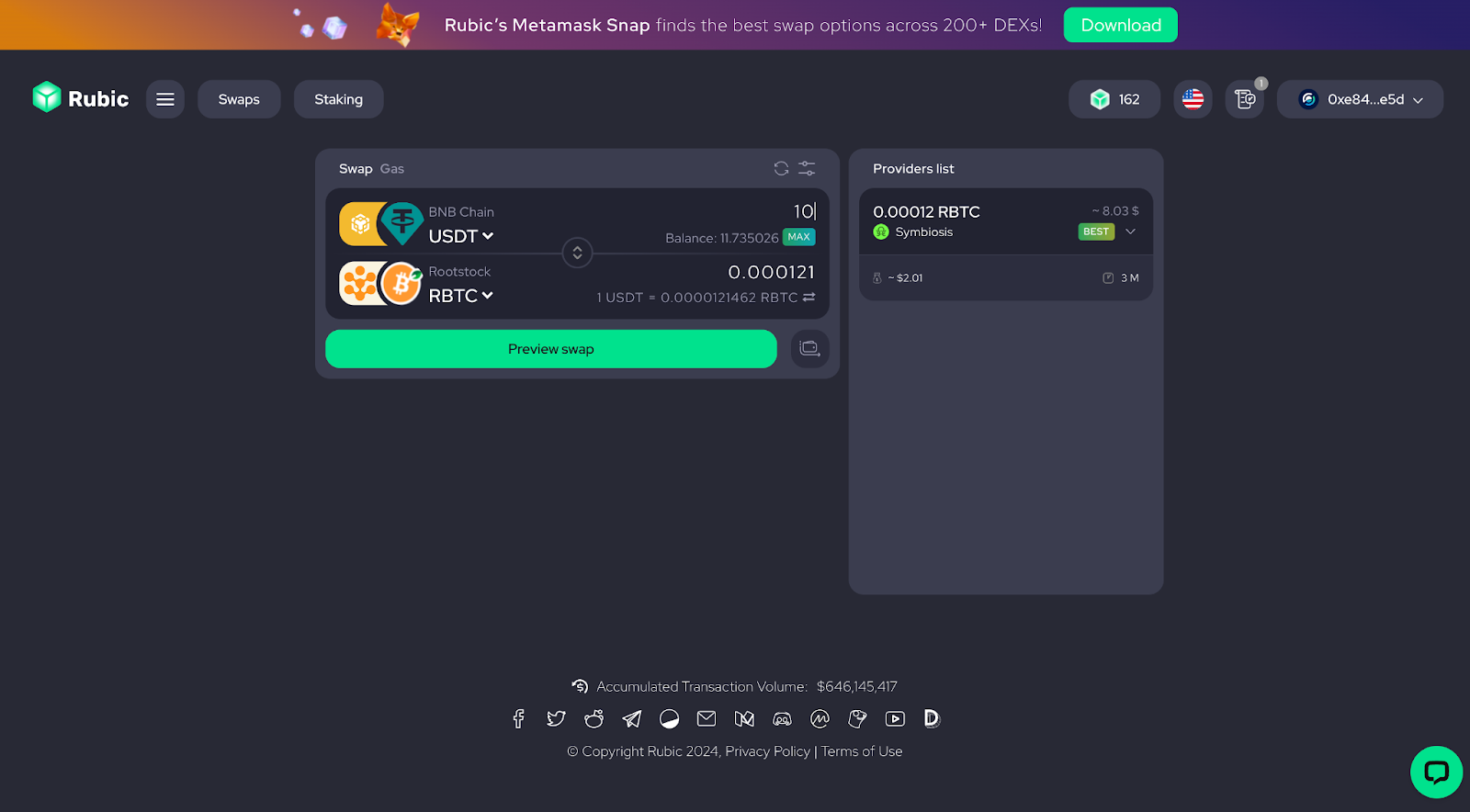
Step 3. Enter the amount to swap:
Input the exact amount of tokens you want to swap. Rubic will automatically calculate the corresponding amount you’ll receive based on current exchange rates via 220+ DEXs and Bridges.
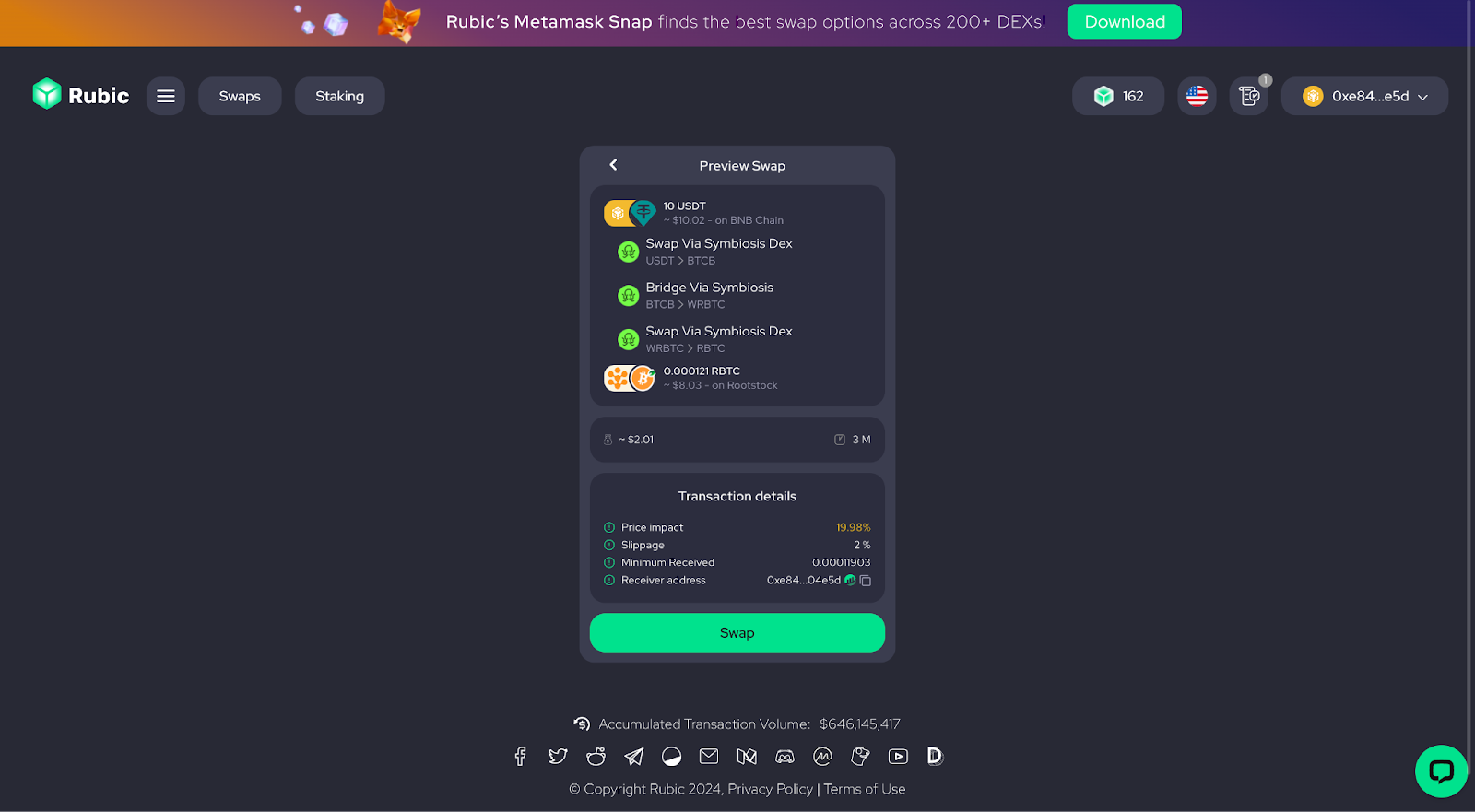
Step 4. Review and confirm the transaction
Double-check all the details before proceeding. Make sure the tokens, chains, and amounts are correct. Click “Preview swap” to check the transaction. Once everything looks good, hit the green “Swap” button.
Step 5. Confirm the transaction on your wallet
Your wallet will likely prompt you to confirm the swap. Follow the on-screen instructions within your wallet to complete the process.
Once the transaction is confirmed, your tokens will be swapped successfully. Head over to your wallet to see your updated Rootstock balance!
About Rubic
Rubic is a cross-chain tech aggregator for users and dApps. This game-changer lets you compare swaps across 200+ DEXs in a flash, finding the most cost-efficient routes!
Website | X | Discord | Reddit
Recommended reading
If you’ve enjoyed reading this user guide, you’ll find these articles about swapping and bridging to Rootstock interesting:
- Bridging and swapping Rootstock on Syklo
- Guide to economic swapping via Mean Finance’s Meta aggregator
- Bridging Rootstock on Symbiosis
Looking for other tools or browsing for answers? Join the conversation on Discord